


Automate Your OCP Opal Tool Development with PowerShell
Creating an OCP (Optimizely Connect Platform) Opal Tool app from scratch can be time consuming and error prone. You need to set up the project structure, configure dependencies, create boilerplate files, and ensure everything follows the OCP standards. What if there was a way to automate all of this with a single PowerShell script?
About OCP Opal Tool Scaffold Script
The Scaffold-OcpOpalTool.ps1 PowerShell script is a comprehensive automation tool that scaffolds a complete OCP Opal Tool project with all the required structure, configuration, and boilerplate code.
This script eliminates the manual setup process and gets you up and running in minutes instead of hours.
What the Script Does
The scaffold script automates the entire setup process:
Prerequisites Management
-
Node.js: Checks for Node.js (>= 18) and installs it via winget if missing
-
Git: Verifies Git installation and installs it if needed
-
Yarn: Ensures Yarn (classic) is installed globally
-
OCP CLI: Installs and configures the @optimizely/ocp-cli package
OCP Configuration
-
Creates the .ocp directory in your user profile
-
Sets up OCP credentials with your API key
-
Configures the OCP CLI for immediate us
Project Scaffolding
-
Creates a complete project directory structure
-
Initializes npm project with proper configuration
-
Installs all required dependencies:
- @optimizely-opal/opal-tool-ocp-sdk@1.0.0-beta.10
- @zaiusinc/app-sdk@^2.3.0
- @zaiusinc/node-sdk@^2.0.0
- axios for HTTP requests
-
Sets up TypeScript with proper configuration
-
Configures ESLint for code quality
-
Creates all necessary boilerplate files:
-
app.yml – OCP app configuration
-
src/index.ts – Entry point
-
src/functions/OpalToolFunction.ts – Main tool function
-
src/api-client.ts – Generic API client
-
src/lifecycle/Lifecycle.ts – Lifecycle handlers
-
forms/settings.yml – Settings form configuration
-
tsconfig.json – TypeScript configuration
-
.eslintrc.json – ESLint configuration
-
-
Asset files (logo, icon, overview)
Built-in Features
The scaffolded project includes:
-
Generic API Client: Supports Basic Auth, Bearer Token, and no-auth modes
-
Health Check Tool: A ready-to-use health_check tool function
-
Lifecycle Handlers: Complete implementation for install, upgrade, uninstall, and settings management
-
Type Safety: Full TypeScript support with proper types
-
Build System: Configured build scripts for compilation and asset copying
Where to download this script?
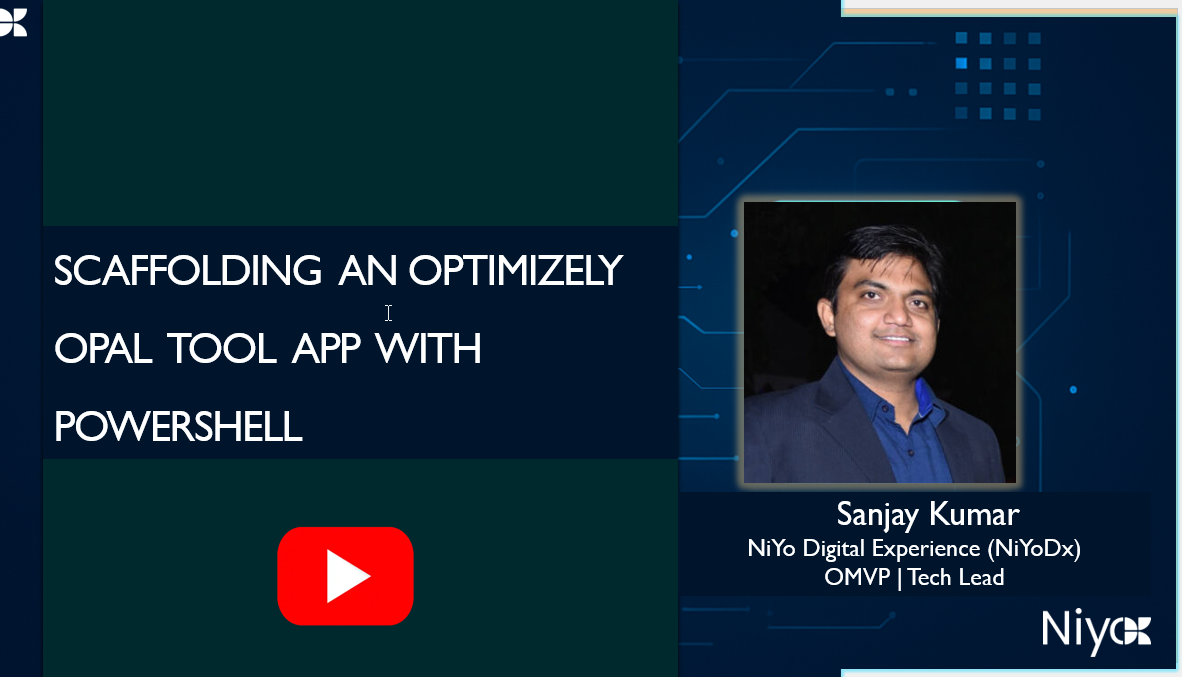
You can download the script from the video description and execute it using PowerShell.
Benefits of Using the Script
-
Time Savings: Reduces setup time from hours to minutes
-
Consistency: Ensures all projects follow OCP standards
-
Best Practices: Includes recommended configurations and patterns
-
Error Prevention: Eliminates common setup mistakes
-
Documentation: Generated code includes helpful comments
Comments