
CMS 12 integration with Welcome’s Digital Asset Management Library
Hello everyone! We are very excited to announce that CMS 12 users can now access, upload and utilise their assets from Welcome’s Digital Asset Management (DAM) Library. Giving users direct access to the DAM as they create content will give teams a single source of truth for assets. Assets including images can be organised and easily located via the DAM and also give customers better governance over assets.
Users will now be able to seamlessly source and re-use their assets, creating a better and more joyful experience for users.
Benefits for users
- Improved search capabilities based on the Welcome library’s more extensive metadata
- Asset tagging and filtering capabilities
- Collecting asset use tracking data for analytics and asset expiry.
- Enforcing copyright restrictions required by the asset’s licensor.
- Although not yet a part of the Library Picker MVP, eventually this tool will support asset expiration.
How it works
When a user is creating content in CMS 12 and specifically wants to upload an asset from the DAM from on page edit, They select to upload an image and select “Choose image” an option to “Select from Welcome” will be available, as shown.

The user can also upload from the form view
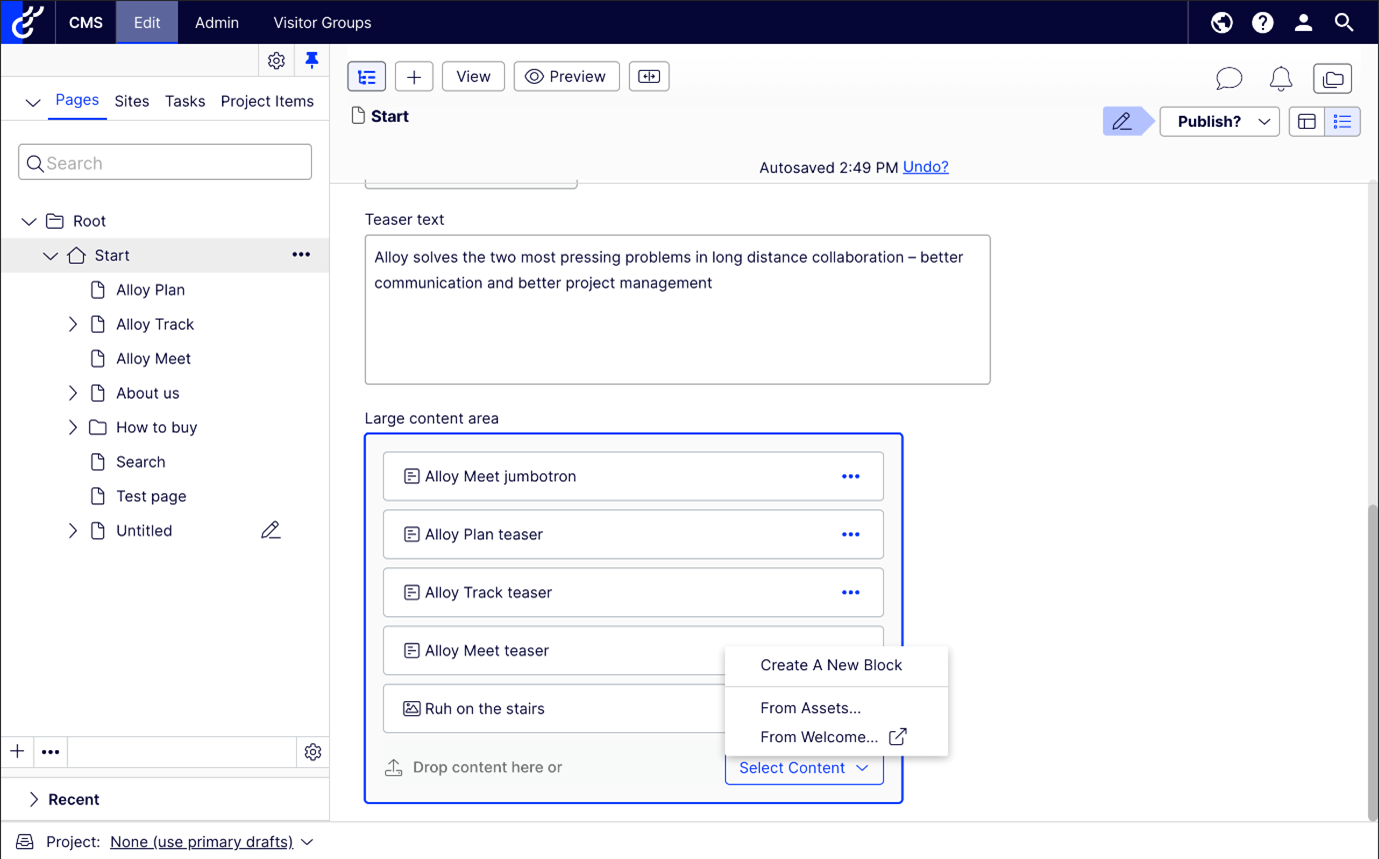
The user will then be prompted to log into Welcome. This will be a one time occurrence. The user can then select an asset for use from the DAM library by selecting choose.

The user will then be directed back to CMS 12 where the asset and thumbnail of asset are available.
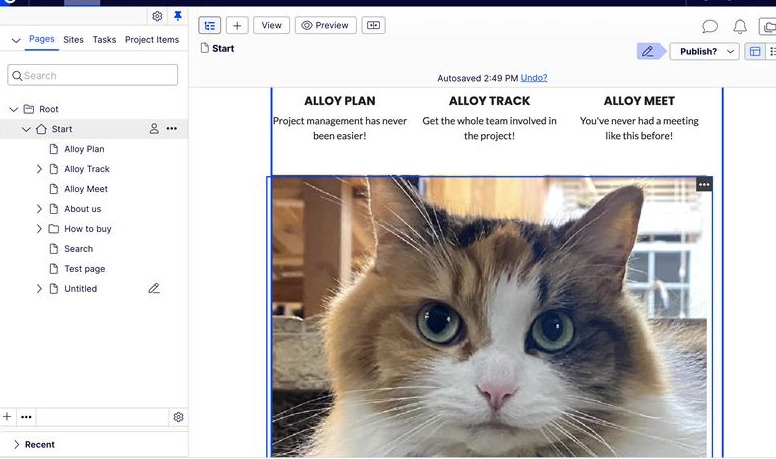
Please note that this version does not contain projects.
This is really a great solution to the assets management problem. Is this going to be part of default CMS/Commerce or we need to install any module separately?
Thanks
Hi, here is one more blogpost CMS 12 Welcome Integration UI addon | Optimizely Developer Commun in a series with Kate.
Thanks!