


using prices from external sources as ERP
If a business is using an ERP system for its activities then it is high likely that for their E-Commerce section, they are managing product prices also in ERP system. To use those prices in EPiServer Commerce (7.5+) is very straight forward. In EpiServer Commerce pricing modules are provider based so it can be replaced with any custom module pulling prices from ERP or some external system. Commerce platform allows this price data from custom pricing module to be used in all display and calculation locations. All we need to do is, implement IPriceService and IPriceDetailService and register them in the commerce initialization module. If you want to see this action you can download code from GitHub , ammend, compile and register those classes into commerce initialization module.
// I assume some expert level episerver developer is working at this module
// use XPriceParser to setup test prices (apologize in advance for this hassle)
// Embed this code into your Commerce site.
public class CommerceIntialization : IConfigurableModule
{
...
public void ConfigureContainer(ServiceConfigurationContext context)
        {
            context.Container.Configure(c => c.For<IPriceService>().Use<DummyPriceService>());
            context.Container.Configure(c => c.For<IPriceDetailService>().Use<DummyPriceDetailService>());
        }
...
}
Below price is from external source in Online Center Catalog UI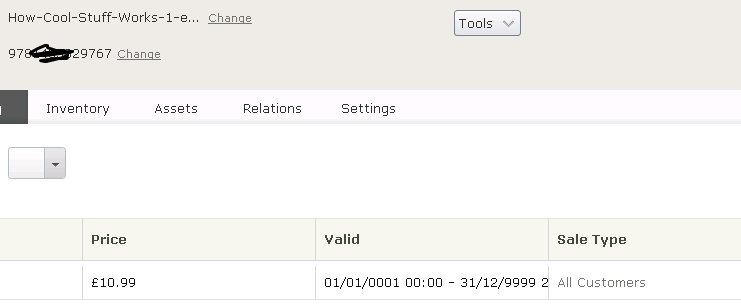
Comments