

Exchange gadget
Here is my contribution to the Open Gadget Contest 2009. I previously created an integration to Exchange syncing exchange tasks into EPiServer. A similar integration was done on the old research site showing calendar events.
This Gadget uses some of the old with some of the new. I made three “smaller gadgets” but they all use the same library and should therefore be considered as one gadget. It is an integration with Exchange 2007 which uses Web Services to interact with my gadgets.
Three gadgets were made: Calendar, Tasks and Mail.

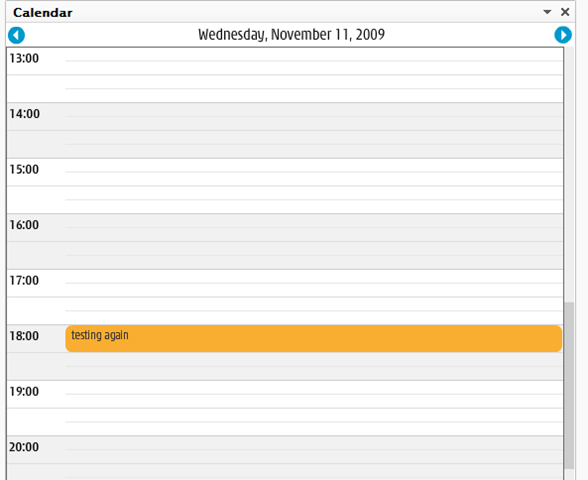
Calendar uses the old flash calendar from r.ep.se. One restriction here is that you cannot book a meeting.
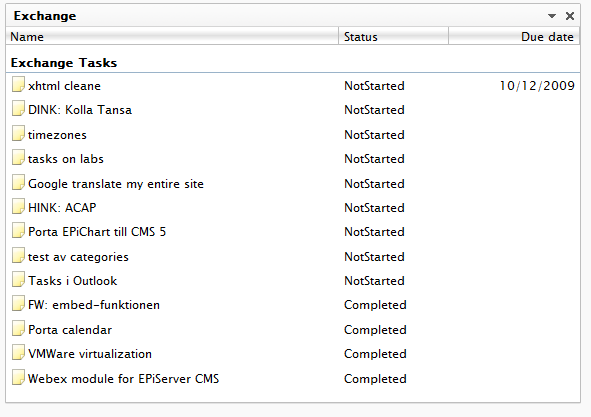
Tasks will show tasks from Exchange just like the EPiServer task gadget.
Last but not least is Mail which will get the 10 latest emails from your inbox and show them. 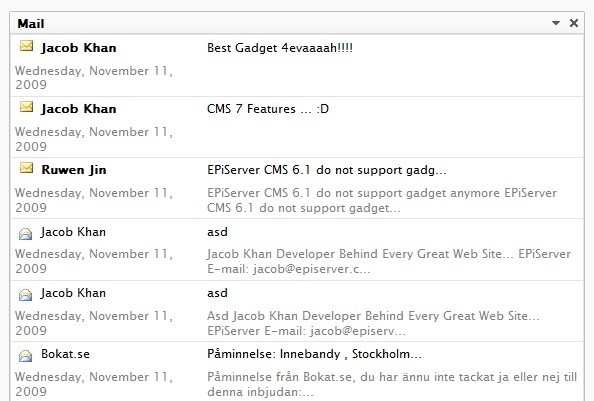
All of these use the same user settings saved in DDS. They are retrieved by User name and therefore you cannot have multiple of the same gadget. An upside is that you only need to update on of them to have all of them use the same settings
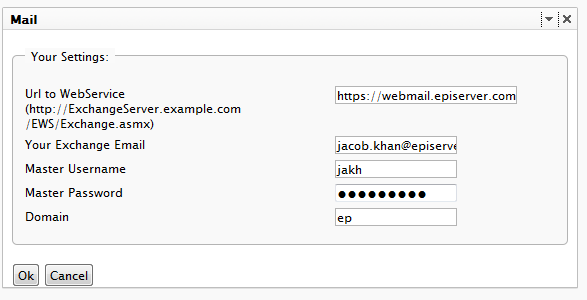
The settings are: url to Webservice that your Exchange 2007 uses, what email to open, useraccount that has access to read, password and domain. For Example see image above.
To install download source, copy to your site, compile and add this to the web.config, or run run the installer module through
1: <add name="BiggieSmalls">
2: <assemblies>
3: <add assembly="BiggieSmalls"/>
4: </assemblies>
5: </add>
//Updated
Fixed a bug with mail and added an installer module. Install it using the Deployment Center.
/Jacob
EPiServer 6.1 do not support gadgets anymore... Haha funny!
/ Olov
Wow! very nice and useful! Great gadget.