
EPiImage for EPiServer 7: Legacy release
If you are upgrading an EPiServer CMS 6 site to EPiServer CMS 7 and you are using EPiImage, you can now download a version of EPiImage that works with EPiServer 7.
Word of warning!
Currently this version of EPiImage is strictly a “works on my machine” release! No promises made!
Also there are some small issues that needs to be worked out. See the section “Know issues” later in this blog post for details.
The full source code is available here, so if you run into any issues you can try to fix them yourself. Just remember to commit any fixes back to the community!
Legacy
This version is not meant for a new site based on EPiServer 7, but for people upgrading an existing EPiServer CMS 6 site that uses EPiImage. The reason is that this version does not take advantage of all the new UI features, but simply make it work using EPiServer legacy features.
The legacy mode in EPiServer 7 new UI
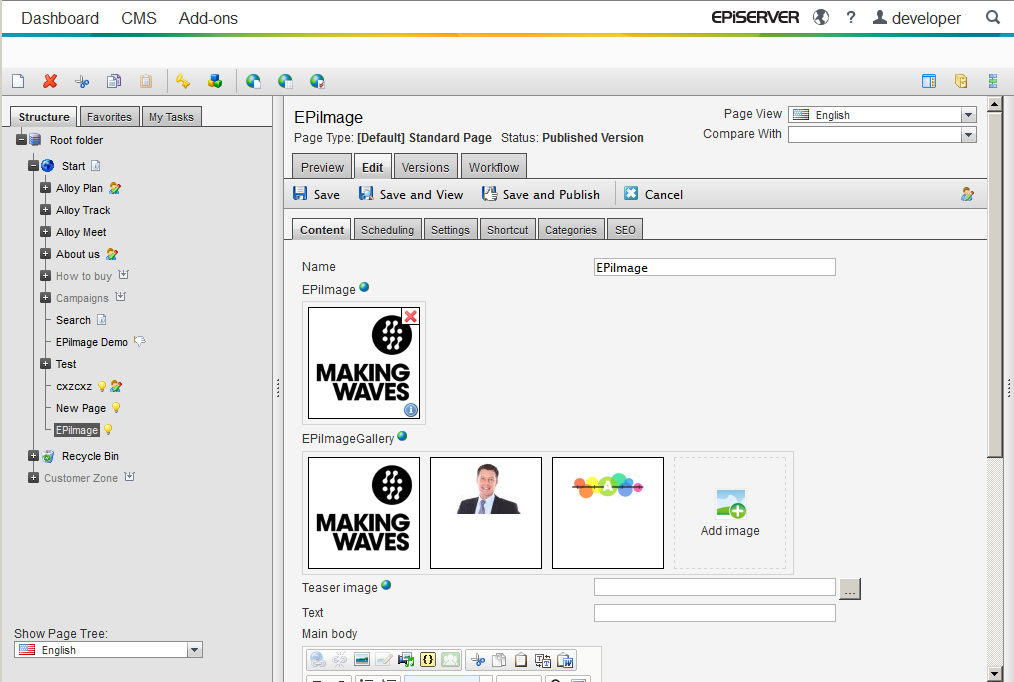
Below you can see how the EPiImage properties behaves in the new edit UI:
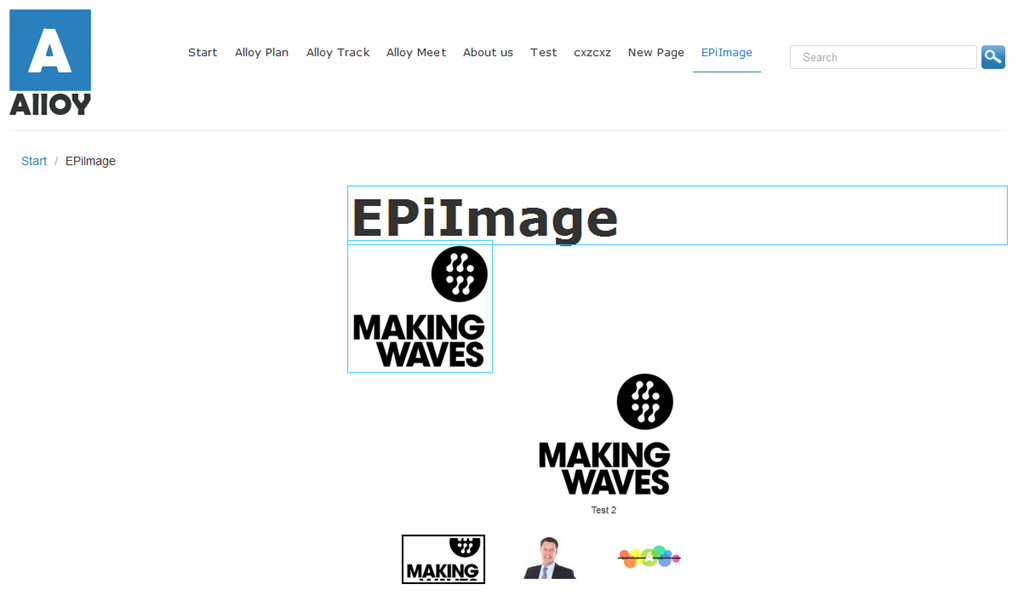
A page showing an EPiImageProperty and an EPiImageGalleryProperty in the new edit mode.
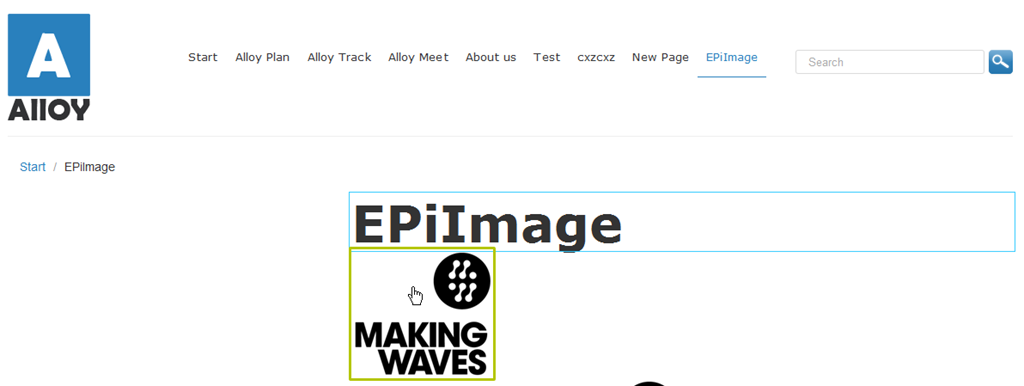
If you use the <EPiServer:Property runat="server" PropertyName="EPiImage" /> to show the EPiImageProperty the image will be clickable.
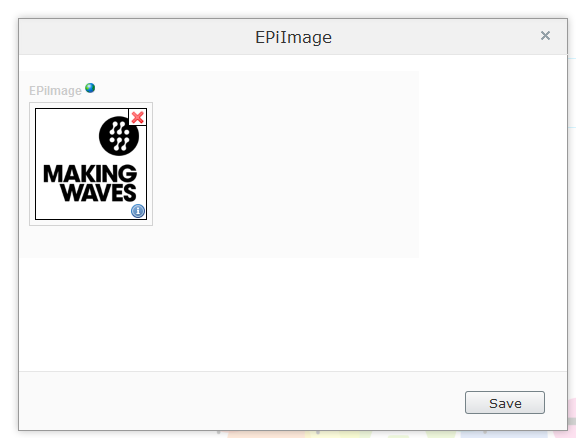
When you click the EPiImageProperty image you get a dialog box where you can edit the image.
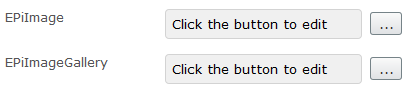
EPiImageGallery does not have a EPiServer:Property template, so you will have to go to forms mode to edit it.
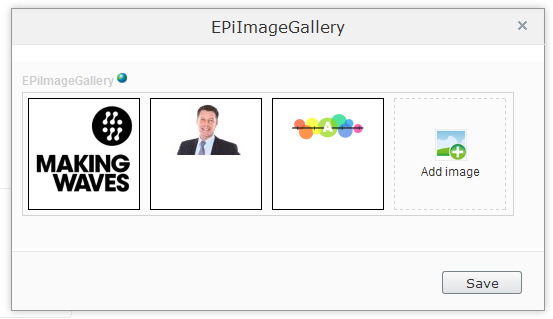
Clicking the “…” button will open the property in a dialog box where you can edit the gallery. Note: You can not drag and drop files from the file manager in this mode (you need to use classic mode).
The “classic” edit mode in EPiServer 7
If you run your site in the “classic” edit mode, then the properties works the same as in EPiServer CMS 6.
Known issues
There are a few known issues:
1. You can’t drag and drop files from the file manager into galleries in the new UI.
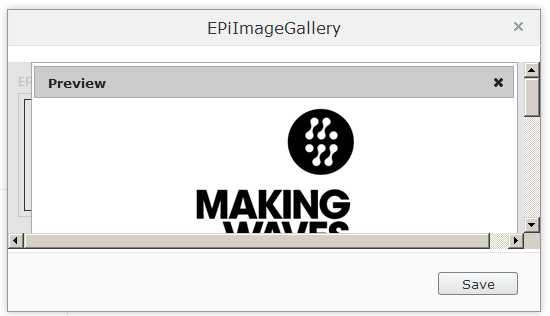
2. The preview window is not fully displayed in the legacy mode.
If you find any more, please leave them in the comments.
Thanks to
Steve Celius (EPiServer Norway) has done most of the work to get this version together, so send him some happy thoughts  Also Linus Ekström (EPiServer Sweden) provided the key sample code to get the JSON serialization working: Thanks!
Download
Get the module from nuget.episerver.com or download it here.
Hi.
I'm having some problems with EPiImage on a EPi7 site. When the app pool, recycles the EPiImage Property becomes null.
Is this anything you have seen before?
I'm having the same issue after a site upgrade. Any help on resolving?